What Are LoRAs? A Beginner's Guide to LoRA Models
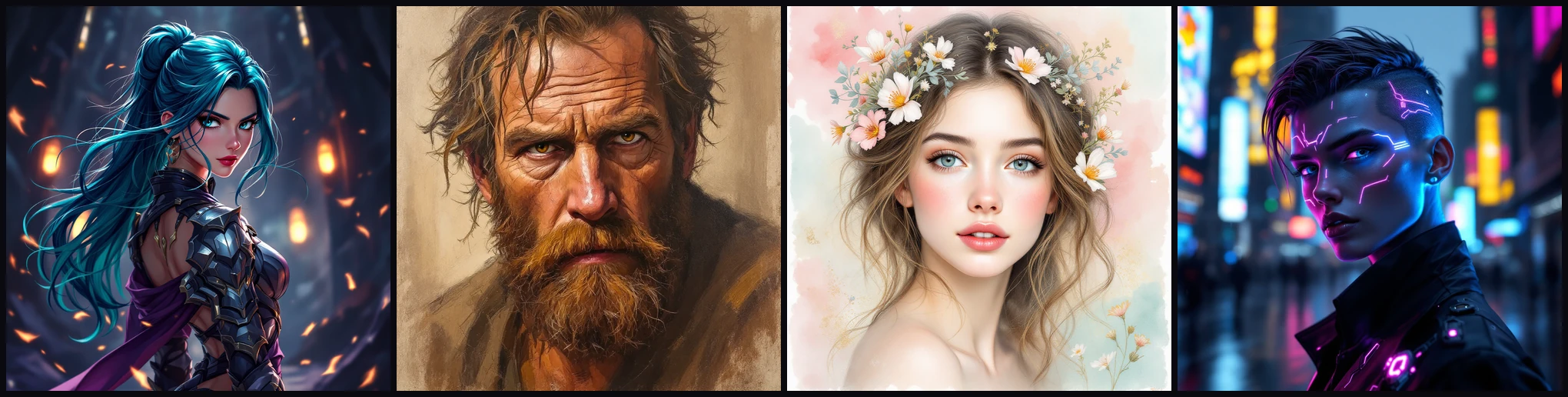

You can prompt Stable Diffusion for an hour and still never get one specific character to look right, or one artist's style to hold. That is what LoRAs are for. A LoRA is a small file that teaches the base model something it does not already know, and you load it only when you want it.
The files are small, the community libraries are free, and the setup takes a few minutes. This guide covers what LoRAs are, how to match and weight them, where to find them, and how to use them in Automatic1111.
What is a LoRA?
A LoRA (Low-Rank Adaptation) is a small file that fine-tunes Stable Diffusion to produce a specific character, style, or concept the base model cannot make well on its own. Instead of retraining the whole model, which is enormous and slow, a LoRA trains a small set of extra weights and layers them on top of a model you already have.
That is the trick behind the name. "Low-rank" means it captures the change as a compact set of numbers rather than a full copy of the model. So the file is tiny, often a few megabytes against several gigabytes for the base, and you can collect them by the dozen and switch between them in a single prompt.
Nothing is baked in permanently. A LoRA only affects a generation when you call it, and you can load more than one at a time, each at its own strength.
What kinds of LoRA are there?
LoRAs are grouped by what they teach. The type is not a technical setting, just a description of what the model was trained on. The common ones:
- Character. Reproduces one specific character, such as a game or anime persona, consistently across generations.
- Style. Mimics an artistic style rather than a subject, so you can render your own subject in a particular look.
- Concept. Captures an idea or effect that is hard to reach with prompt words alone.
- Pose. Fixes a body position or camera angle. For precise, repeatable poses, ControlNet OpenPose is the stronger tool.
- Clothing. Puts a specific outfit or garment on your subject.
- Object. Adds a specific object, like a vehicle or a piece of furniture.
Most LoRAs you find are character or style LoRAs. The rest are less common but work exactly the same way.
Match the LoRA to your base model
This is the one rule beginners trip on. A LoRA is trained against a specific base, SD1.5 or SDXL, and it only works on that base. Load an SD1.5 LoRA on an SDXL checkpoint and nothing happens: no error, just an image that ignores it.
Every LoRA's download page states its base model. Check it against the checkpoint you are generating with before you do anything else. When a LoRA seems to do nothing, a base mismatch is the first thing to suspect.
Where to find LoRAs
The two open libraries worth knowing are Civitai and Hugging Face. Both host thousands of free LoRAs with previews, and Civitai in particular is where most character and style LoRAs live.
A good LoRA page tells you three things you need before you download:
- The base model (SD1.5 or SDXL), so you can match it to your checkpoint.
- The trigger word, the term you put in the prompt to activate the LoRA.
- Sample prompts, which show the trigger word, a sensible weight, and what the model was tuned to do.
Read the sample images and their prompts before committing. They tell you more about how a LoRA actually behaves than the written description does.
How to install and use a LoRA
Modern Automatic1111 supports LoRAs natively, so there is usually no extension to install. Download the .safetensors file and drop it in your LoRA folder. If A1111 lives at /workspace/sd, that is:
/workspace/sd/stable-diffusion/webui/models/Lora
Then reference the LoRA in your prompt. The pattern is the trigger word, your normal prompt, and the LoRA tag:
[TRIGGER_WORDS] [PROMPT] <lora:MODEL_NAME:WEIGHT>
Where you replace:
- TRIGGER_WORDS with the activation term from the LoRA's page.
- PROMPT with your usual description of the image.
- MODEL_NAME with the filename, without the extension.
- WEIGHT with how strongly the LoRA applies, typically 0.5 to 1.0.
A real example:
3dmm style, (masterpiece, best quality:1.2), (fractal art:1.3),
1girl, purple hair with a hint of pink, pink eyes, dark lighting,
serious face, looking at the sky, black sweater, jewelry
<lora:revAnimated_v122:1.2>
Here the trigger word is 3dmm and the model name is revAnimated_v122. The (masterpiece:1.2) and (fractal art:1.3) parts are prompt weights, a separate syntax from the LoRA tag. For the full rundown on parentheses, brackets, and weighting, see our guide to Stable Diffusion prompt syntax.
The weight is the dial
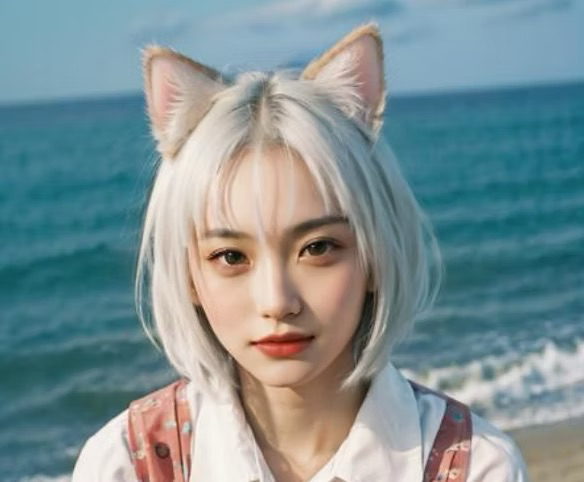
The number after the model name is the LoRA's strength, and it is the setting you will adjust most. Think of it the way you would a ControlNet's control weight: too low and the LoRA barely registers, too high and it takes over the whole image and overcooks it.
Most LoRAs are tuned for a weight near 1.0, but the honest range is wider. Start at the weight in the sample prompt, then move in steps of about 0.1. If the effect is weak, raise it. If faces smear, colors blow out, or the whole image bends toward the LoRA, lower it.
You can also stack LoRAs, each with its own weight:
a portrait, <lora:characterA:0.8> <lora:styleB:0.6>
When you combine them their effects add up, so drop each weight a little from what you would use alone. Two LoRAs at full strength usually fight each other.
When a LoRA does nothing
If a LoRA has no visible effect, it is almost always one of three things:
- Base mismatch. An SD1.5 LoRA on an SDXL checkpoint, or the reverse, does nothing. Match them.
- Missing trigger word. Many LoRAs only activate when their trigger term is in the prompt. Add it.
- Weight too low. Raise the weight toward 1.0 and regenerate.
If instead the image looks fried, the opposite is true: the weight is too high, or you have stacked too many LoRAs. Pull the weights down.
Using LoRAs through the A1111 API
Everything above works the same when you drive Automatic1111 through its API instead of the web UI. The LoRA tag simply goes in the prompt string you send. This walkthrough covers setting that up:
The same idea carries to ComfyUI, where a LoRA is a node you wire between the checkpoint and the sampler instead of a tag in the prompt.
The takeaway
A LoRA is the cheapest way to teach Stable Diffusion something specific: one character, one style, one look, in a few-megabyte file you load only when you want it. Match it to your base, set the weight from the sample prompt, and adjust from there.
If you are moving past running this by hand and trying to make a Stable Diffusion workflow dependable inside a product, that is the harder half, and it is what we do. Let's talk.
Frequently asked
What are LoRAs?›LoRAs (Low-Rank Adaptation models) are small files that fine-tune Stable Diffusion to generate a specific character, style, or concept the base model can't produce well on its own.
What does LoRA stand for?›LoRA stands for Low-Rank Adaptation. It is a technique for fine-tuning large image models efficiently by training a small set of additional weights instead of the whole model, which is why the resulting files are so small.
What is a character LoRA?›A character LoRA is trained to reproduce one specific character, such as a video game or anime persona, consistently across generations.
What is a style LoRA?›A style LoRA mimics a particular artistic style rather than a subject.
What is a LoRA in Stable Diffusion?›In Stable Diffusion, a LoRA is an add-on model you place in your `models/Lora` folder and reference in the prompt as `<lora:MODEL_NAME:WEIGHT>`.
Where do you download LoRA models?›The main open-source libraries are Civitai and Hugging Face.
How does the LoRA weight work?›8>. 0.
Why is my LoRA not working?›5 LoRA does nothing on SDXL, and the reverse), the trigger word is missing from your prompt, or the weight is set too low.
Let’s build it together.
We turn clever prototypes into production systems people can rely on. If you’re building with agents and want a hand making it real, leave your email and we’ll be in touch.